Guest Captures wedding galleries
Collect every wedding guest photo.
Give guests one private place for ceremony, reception, family, and candid uploads. They contribute from the phone browser they already have.
100 photos freeNo credit cardNo guest app
The photos outside the photographer's camera
Keep the moments your guests captured.
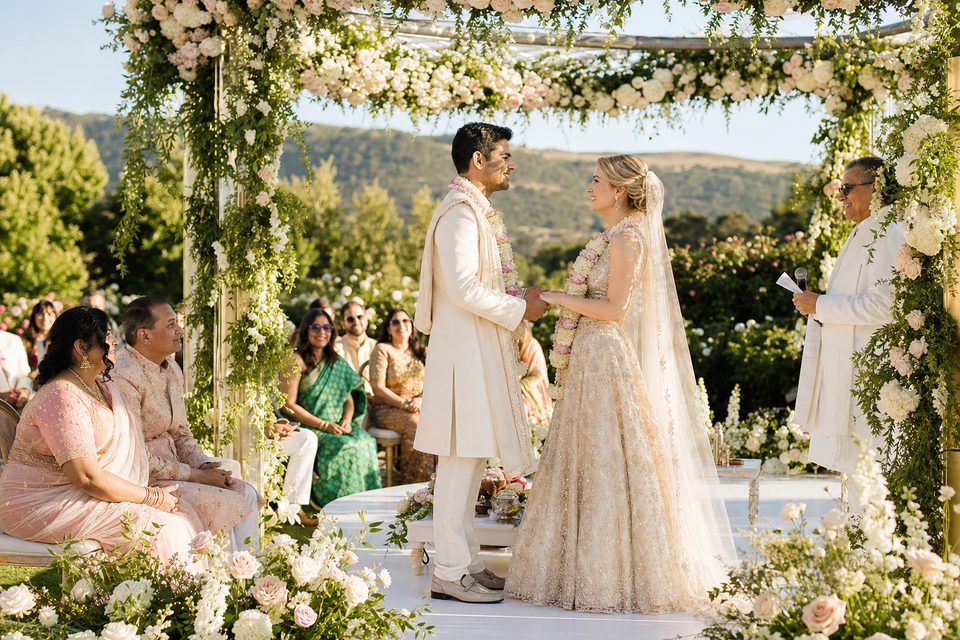
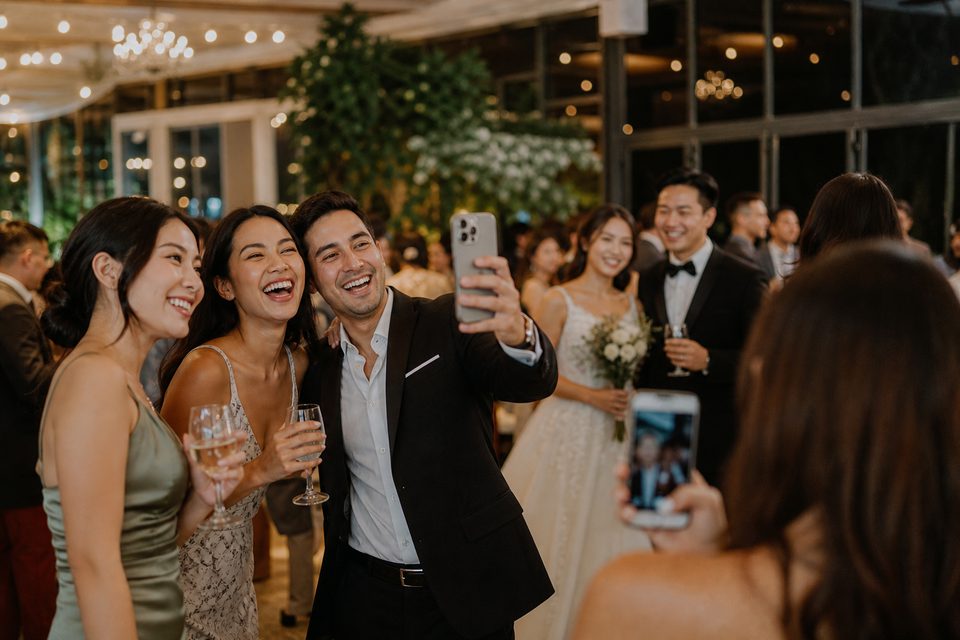
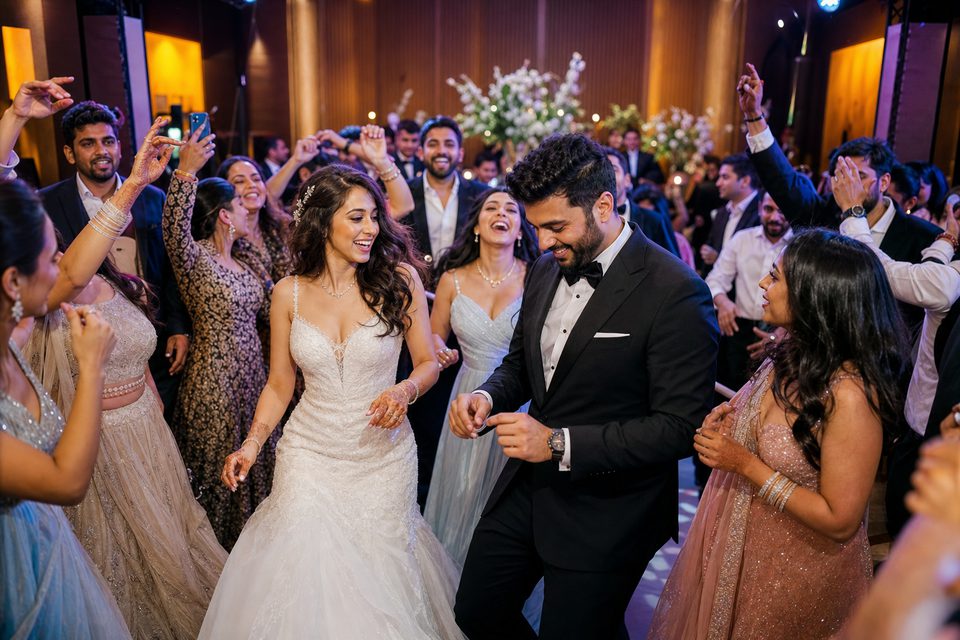
Professional photography tells the polished story. Guest uploads preserve the table laughs, quick hugs, dance-floor angles, and in-between moments that otherwise remain in dozens of camera rolls.
One minute to see your own version
From event name to private preview.
Name the wedding
See a personalized sample before publishing or inviting anyone.
Secure the draft
Verify the organizer email and keep control of the private gallery.
Share one link or QR
Guests open the gallery in their browser and add photos directly.
Watch the story grow
Organize albums, approve uploads, and show selected moments on the live wall.
Private by default
The organizer decides what goes live.
- Begin with an unpublished organizer-owned draft.
- Choose public-link or access-code sharing when ready.
- Control album publishing, guest uploads, downloads, and the live wall.
- Keep guests out of another app-install and account-creation flow.
Start with the real product
100 wedding photos free.
No credit card is required to preview and secure the private draft. Photo uploads are included on the free tier. Video, larger events, and eligible photo-discovery features use the published event plans.
Wedding gallery questions
Before you invite guests
Do guests have to download an app?
No. Guests upload through the event page in their phone browser and do not need a Guest Captures account.
Can the gallery stay private?
Yes. The organizer starts with a private draft and can use an event access code when publishing for guests.
Can guests upload videos on the free tier?
No. The free tier includes photo uploads. Video is available on paid event plans.
Can I try it before sharing the QR?
Yes. Preview the wedding gallery, secure the draft by email, and run a test upload before distributing the guest link or QR.